Physical Address
304 North Cardinal St.
Dorchester Center, MA 02124
Physical Address
304 North Cardinal St.
Dorchester Center, MA 02124
Jibble time tracking is an employee time tracking and attendance solution designed for businesses, teams, and organizations with office-based, remote, or field employees.
Instead of relying on spreadsheets or manual attendance records, businesses can use Jibble to record employee clock-ins and clock-outs, monitor working hours, manage timesheets, and generate reports.
Employees can clock in and out using their phones, computers, web browsers, or a kiosk. Depending on the company’s settings, Jibble can also use GPS, geofencing, and facial recognition to provide additional verification.
Jibble also includes features for managing work schedules, overtime, time off, and employee attendance, making it more than just a basic clock-in and clock-out tool.
Using Jibble time tracking is relatively simple.
First, an administrator creates a company account and invites employees to join. The administrator can then set up work schedules, locations, teams, and attendance rules.
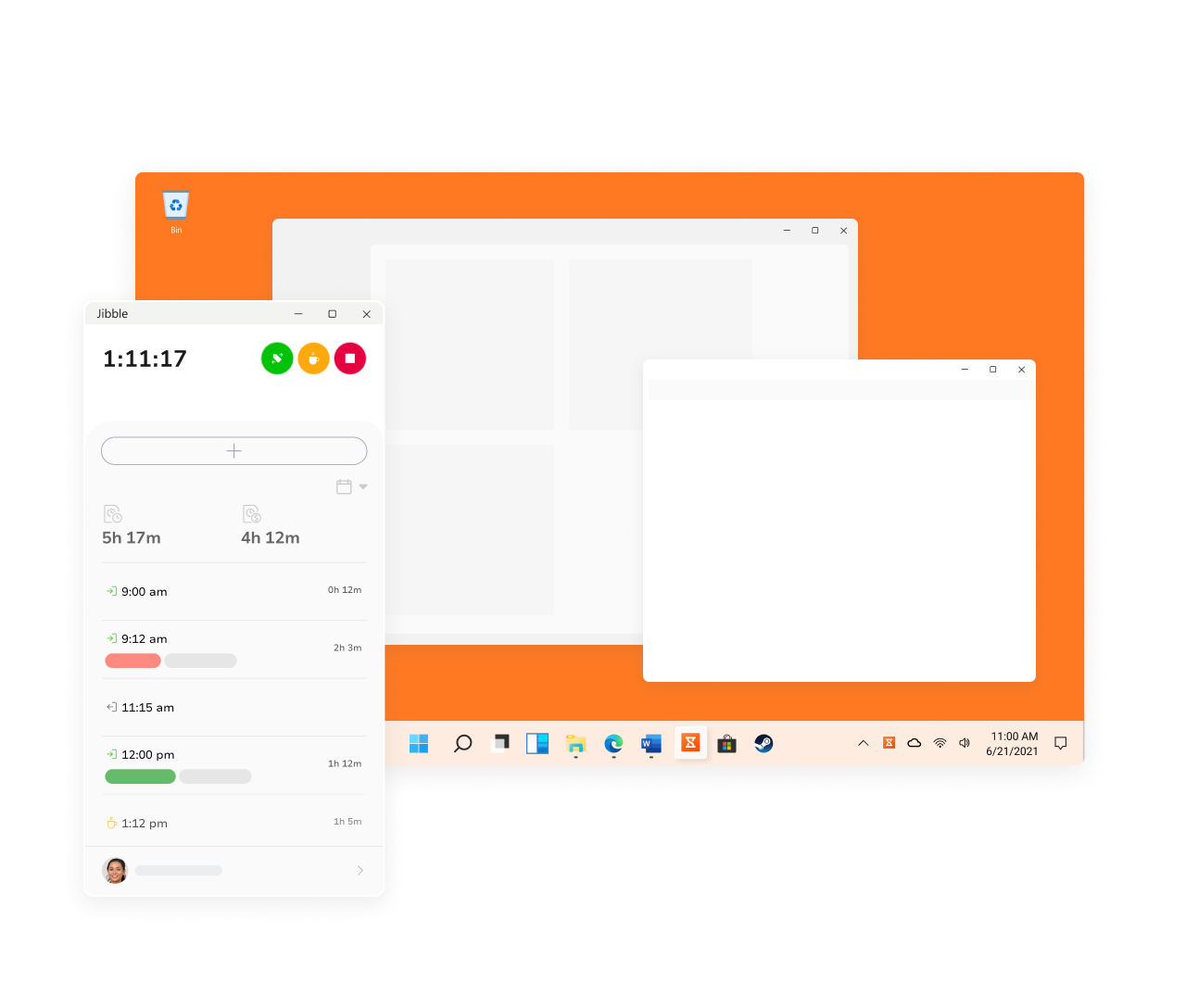
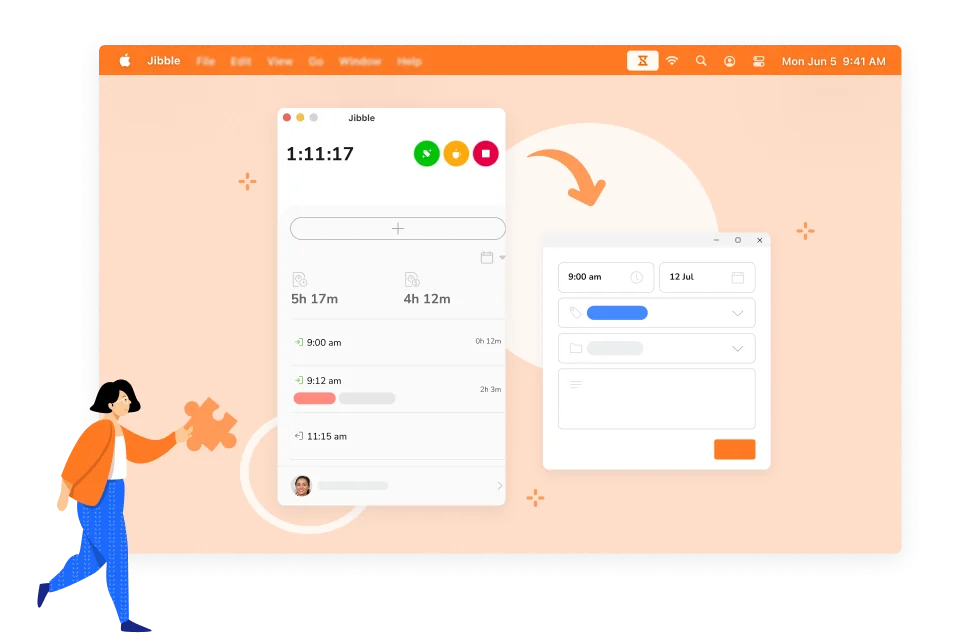
When an employee starts their shift, they can clock in through the Jibble mobile app, desktop app, web platform, or kiosk. Depending on the company’s configuration, Jibble can record the employee’s location and verify their identity.
When the employee finishes work, they clock out. The recorded data is automatically added to their timesheet, allowing managers to review working hours, breaks, overtime, and attendance.
This process eliminates much of the manual work associated with traditional timesheets.
The main function of Jibble time tracking is to record employee working hours.
Employees can clock in and out from different devices, making Jibble suitable for office teams, remote employees, and workers who move between different locations.
Businesses can use the collected data to monitor attendance, working hours, overtime, and employee schedules.
GPS tracking can be particularly useful for businesses with employees who work outside the office.
Jibble can record an employee’s location when they clock in or clock out. Businesses can also use geofencing to create specific work locations where employees are allowed to clock in.
This can be useful for:
GPS-based time tracking gives managers better visibility into where employees are working without requiring manual attendance reports.
Geofencing allows businesses to create virtual boundaries around specific work locations.
For example, a company can create a geofence around its office or a customer’s location. Employees can then be required to clock in within the approved area.
This can help businesses maintain more accurate attendance records when employees work at different locations.
Another useful feature is facial recognition.
Traditional attendance systems can sometimes allow employees to clock in for someone else. This is commonly known as buddy punching.
Jibble can use facial recognition to verify an employee’s identity when they clock in. Businesses can combine this feature with GPS or geofencing to create an additional layer of attendance verification.
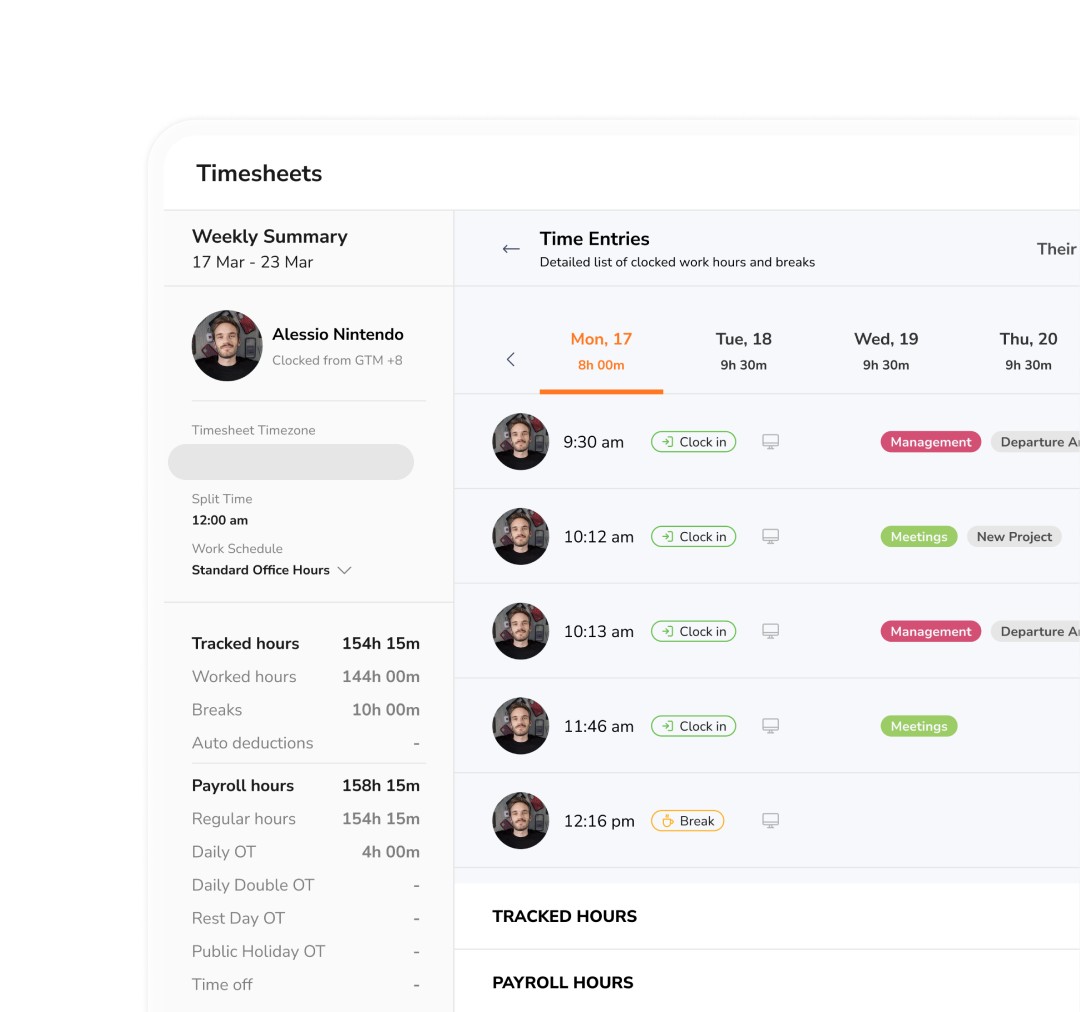
One of the main advantages of Jibble time tracking is automatic timesheet creation.
Instead of manually calculating working hours, managers can use the data collected from employee clock-ins and clock-outs.
Timesheets can show:
Managers can review and approve timesheets before using the information for payroll or other business processes.
Jibble can also help businesses manage employee schedules.
Managers can create work shifts and assign them to individual employees or teams. This makes it easier to compare scheduled working hours with actual attendance.
For businesses with rotating shifts or multiple teams, having schedules and time tracking in the same system can simplify workforce management.
Jibble also supports time-off management.
Businesses can create policies for different types of leave and track employee time off from the same platform used for attendance and time tracking.
This gives managers a more complete overview of employee availability and working schedules.
Jibble time tracking can work for different types of businesses and teams.
For traditional office teams, Jibble can be used to track when employees start and finish work, monitor attendance, and calculate overtime.
Remote employees can clock in and out using their computers or mobile devices.
This gives businesses a centralized way to track working hours without requiring employees to be physically present in an office.
Jibble can be particularly useful for field teams.
Employees who work at construction sites, customer locations, or other external locations can use mobile time tracking. GPS and geofencing can provide additional information about where and when employees clock in.
Companies with multiple offices, branches, stores, or job sites can create different locations and manage employee attendance across them.
This can be useful for businesses that need a centralized workforce management system while still allowing employees to work at different locations.
Jibble offers a free plan that allows businesses to start using its time tracking and attendance features without an upfront subscription cost.
This can make it an attractive option for startups, small businesses, and teams that want to test an employee time tracking platform before committing to a paid solution.
Businesses with more advanced workforce management requirements can also explore Jibble’s paid plans and additional features.
Using Jibble time tracking can help businesses reduce the amount of manual work involved in employee attendance management.
Some potential benefits include:
For businesses still relying on spreadsheets or paper attendance sheets, moving to an automated system can save time and reduce data entry errors.
Small businesses often need to manage employee attendance without investing in complicated HR software.
This is where Jibble time tracking can be useful.
A small team can start with basic clock-in and clock-out functionality and gradually introduce features such as schedules, GPS tracking, timesheets, and reports as the business grows.
Because employees can use mobile devices, computers, or kiosks to track their working hours, businesses can choose the method that best fits their working environment.
Remote and hybrid work have made employee time tracking more challenging for some businesses.
Employees may work from home, coworking spaces, offices, or customer locations. A centralized time tracking platform can make it easier for managers to maintain consistent attendance records.
With Jibble time tracking, businesses can create policies that match their remote or hybrid work environment while allowing employees to record their working hours digitally.
If your business currently relies on spreadsheets, paper timesheets, or manual attendance tracking, Jibble time tracking can be worth considering.
Its combination of time tracking, attendance, GPS, geofencing, facial recognition, timesheets, scheduling, and reporting provides businesses with a centralized way to manage employee working hours.
It can be especially useful for companies with remote employees, field workers, multiple locations, or teams that need more accurate attendance records.
For small teams, starting with a free option can also make it easier to test whether the platform fits their workflow before moving to more advanced features.
Jibble time tracking provides businesses with a simple way to track employee working hours and manage attendance.
From basic clock-ins and clock-outs to GPS tracking, geofencing, facial recognition, timesheets, shift scheduling, and reporting, Jibble offers a range of tools for managing modern workforces.
Whether you run a small office, manage a remote team, or have employees working across multiple locations, Jibble can help replace manual attendance processes with a more centralized and automated approach.
If you are looking for an employee time tracking solution that is easy to start with and offers features for both office and field teams, Jibble is worth exploring.

